Open source
Harmony
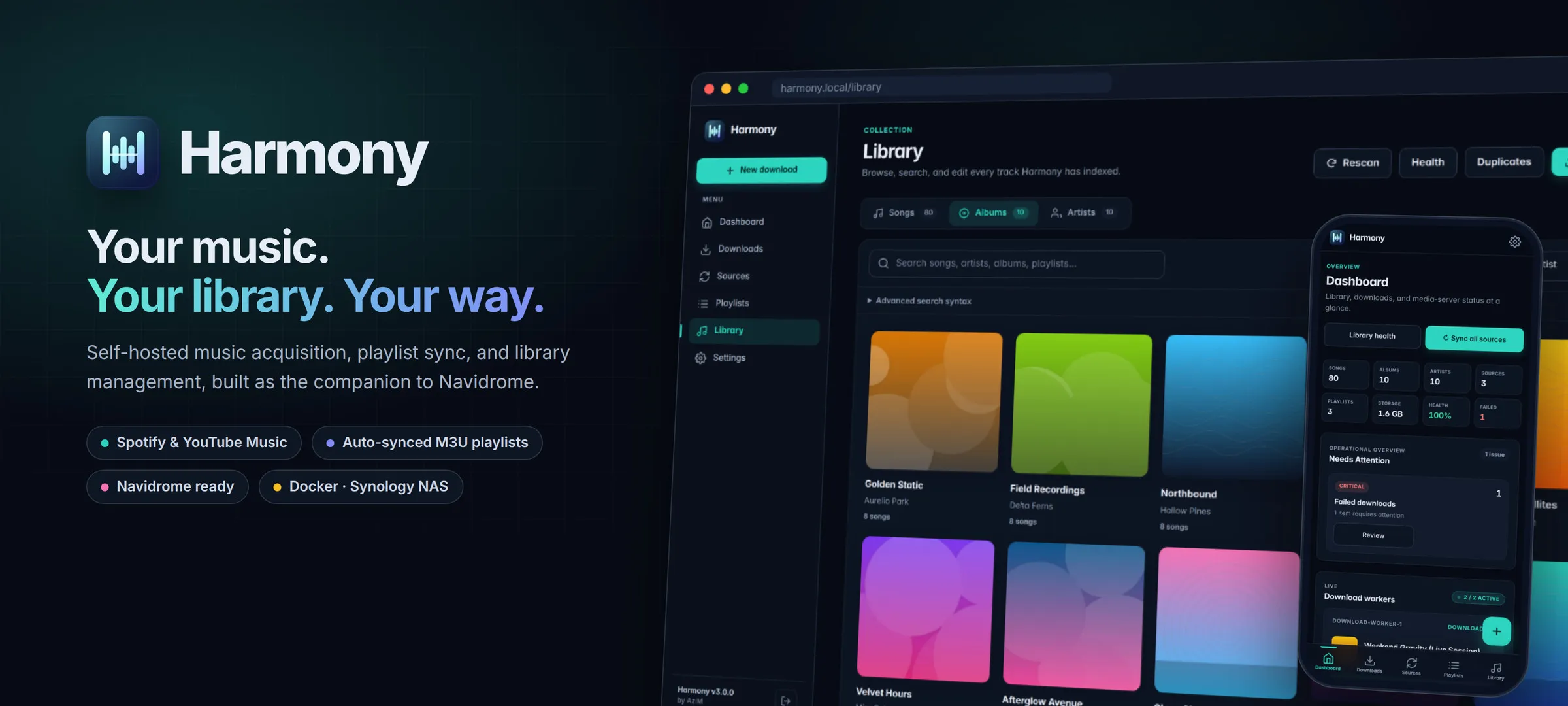
A self-hosted music manager that keeps a Spotify library in sync with the music on your own server.
- Runs on
- Docker · Synology NAS
- Built with
- Python · FastAPI · SQLite
- Works with
- Navidrome · Jellyfin · Plex
- License
- MIT
- Latest release
- v3.1.0
What it is
Harmony bridges Spotify and a local music library. You follow playlists in Spotify (or public YouTube Music playlists), and Harmony downloads what’s missing, organises the files, and exports playlists that media servers such as Navidrome, Jellyfin and Plex can read. It acts as the single source of truth for the library, so playlists stay complete and nothing is downloaded twice.
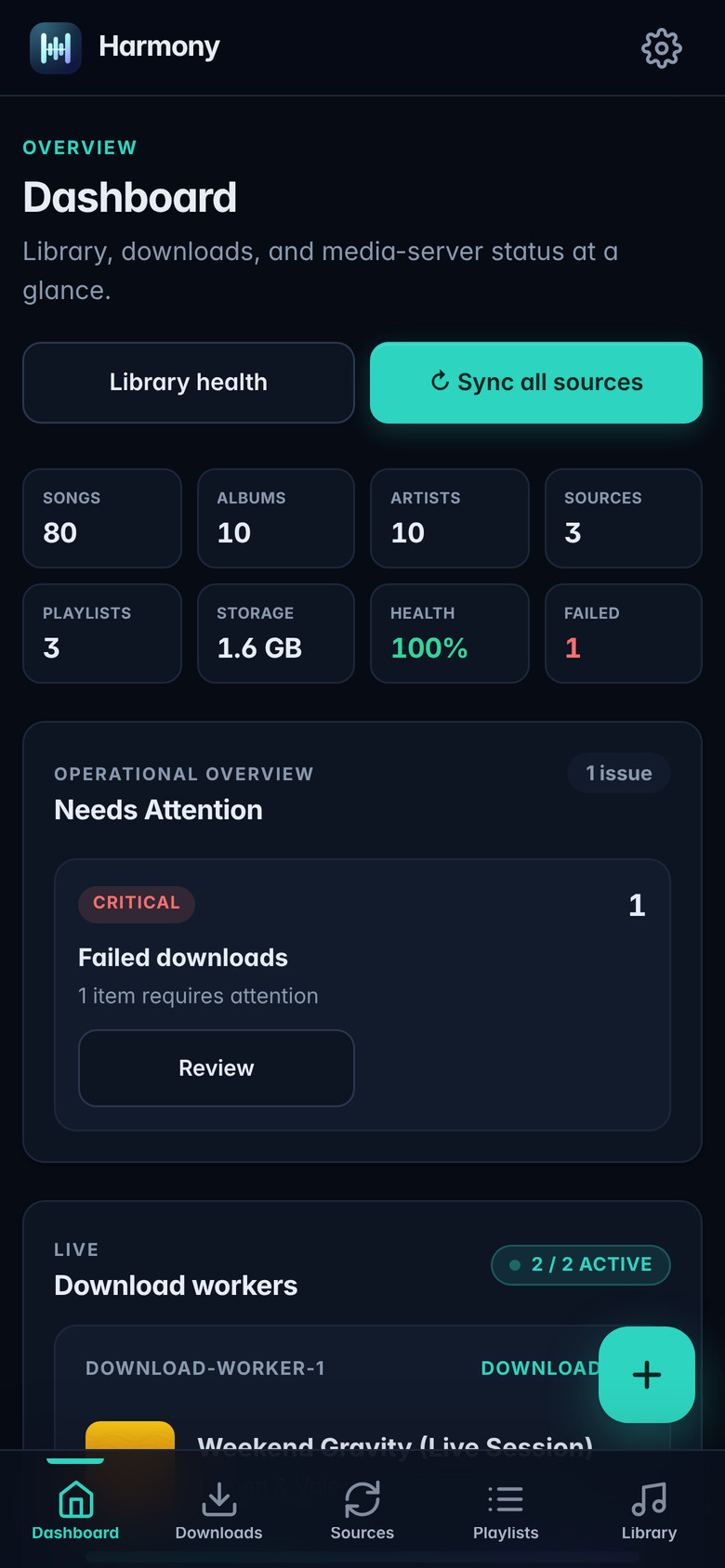
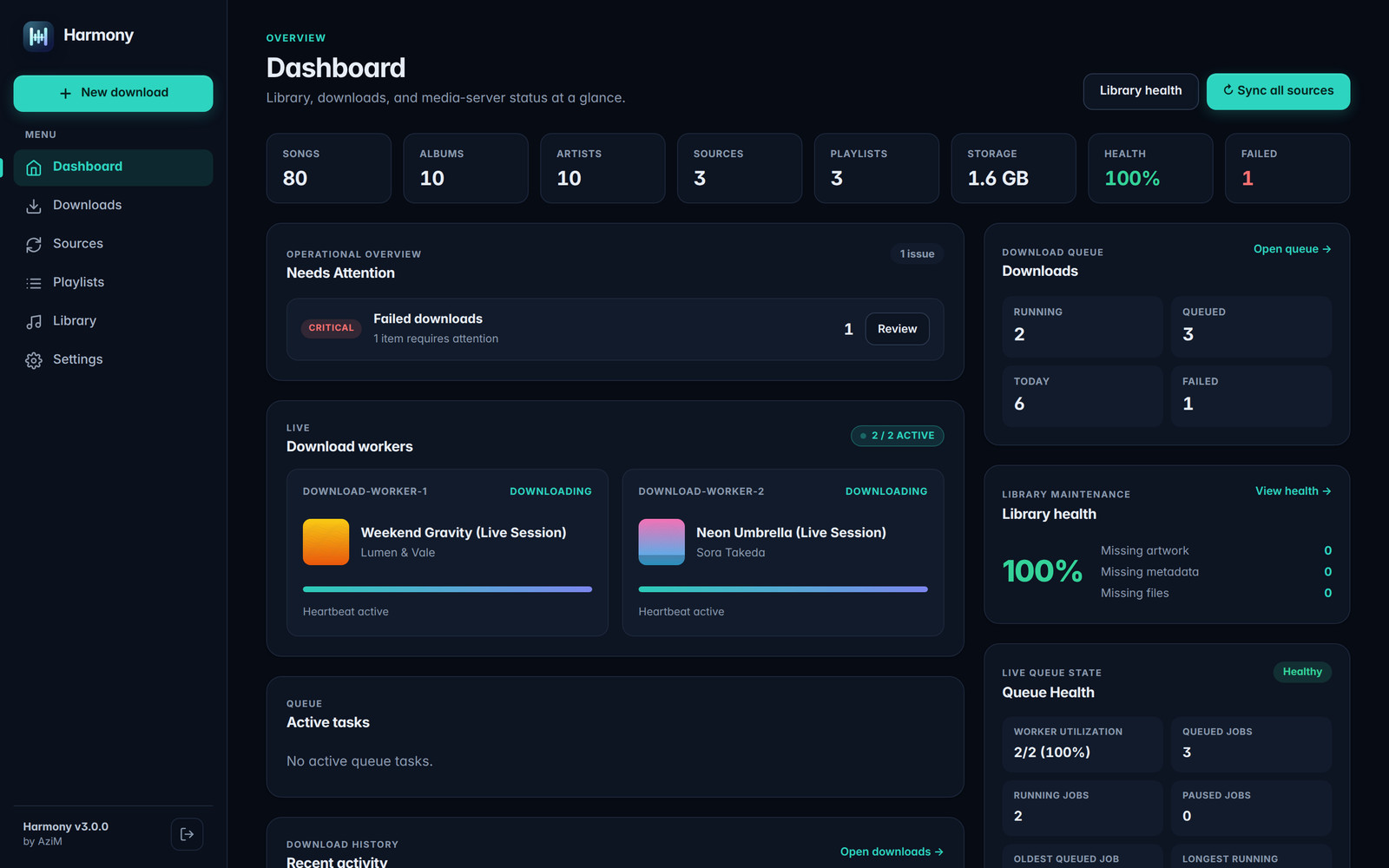
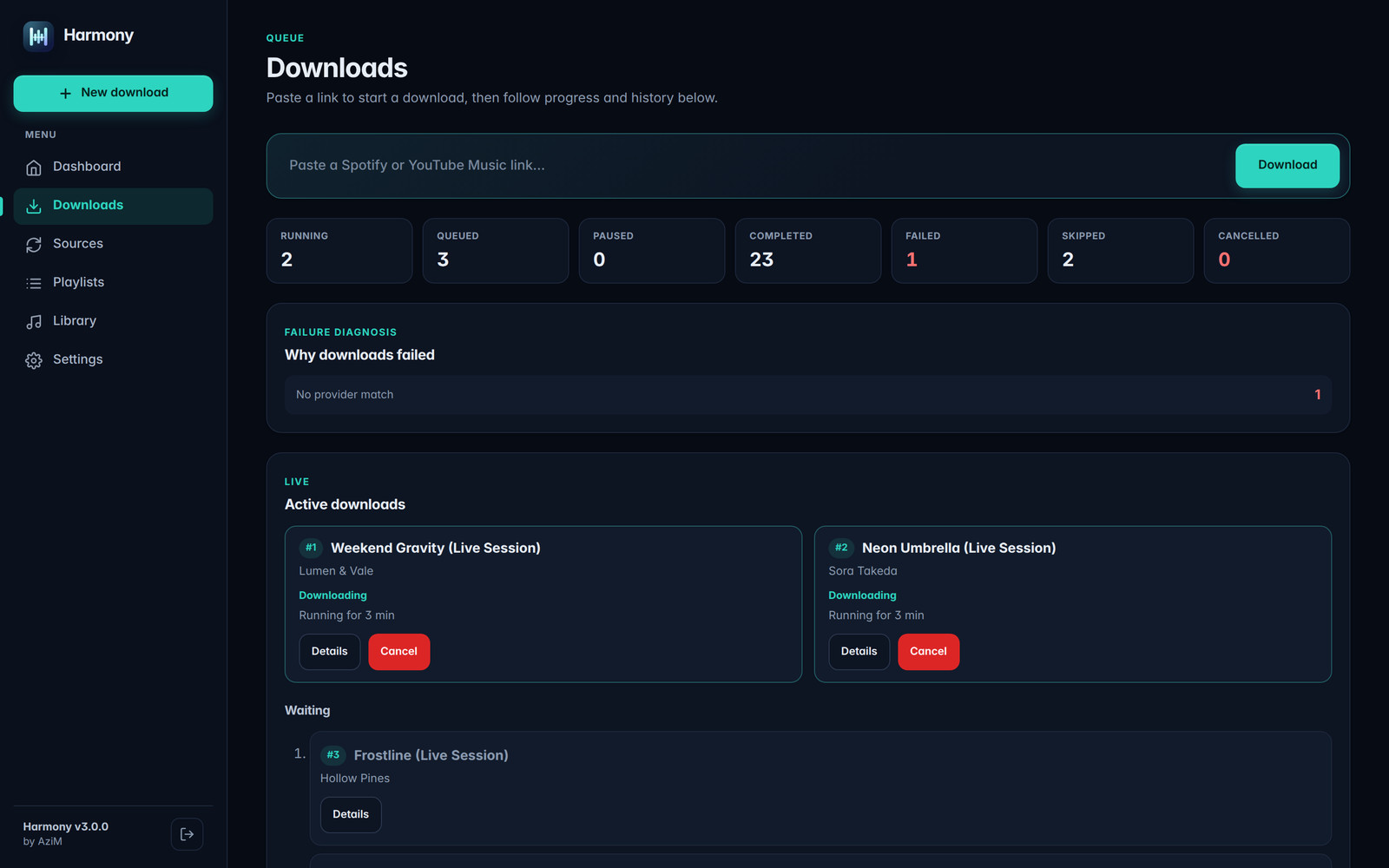
It runs as one Docker container with a responsive web interface that works on a desktop, a phone, or as an installed web app. I run it on a Synology NAS. The screenshots use a demo library of fictional artists.
What it does
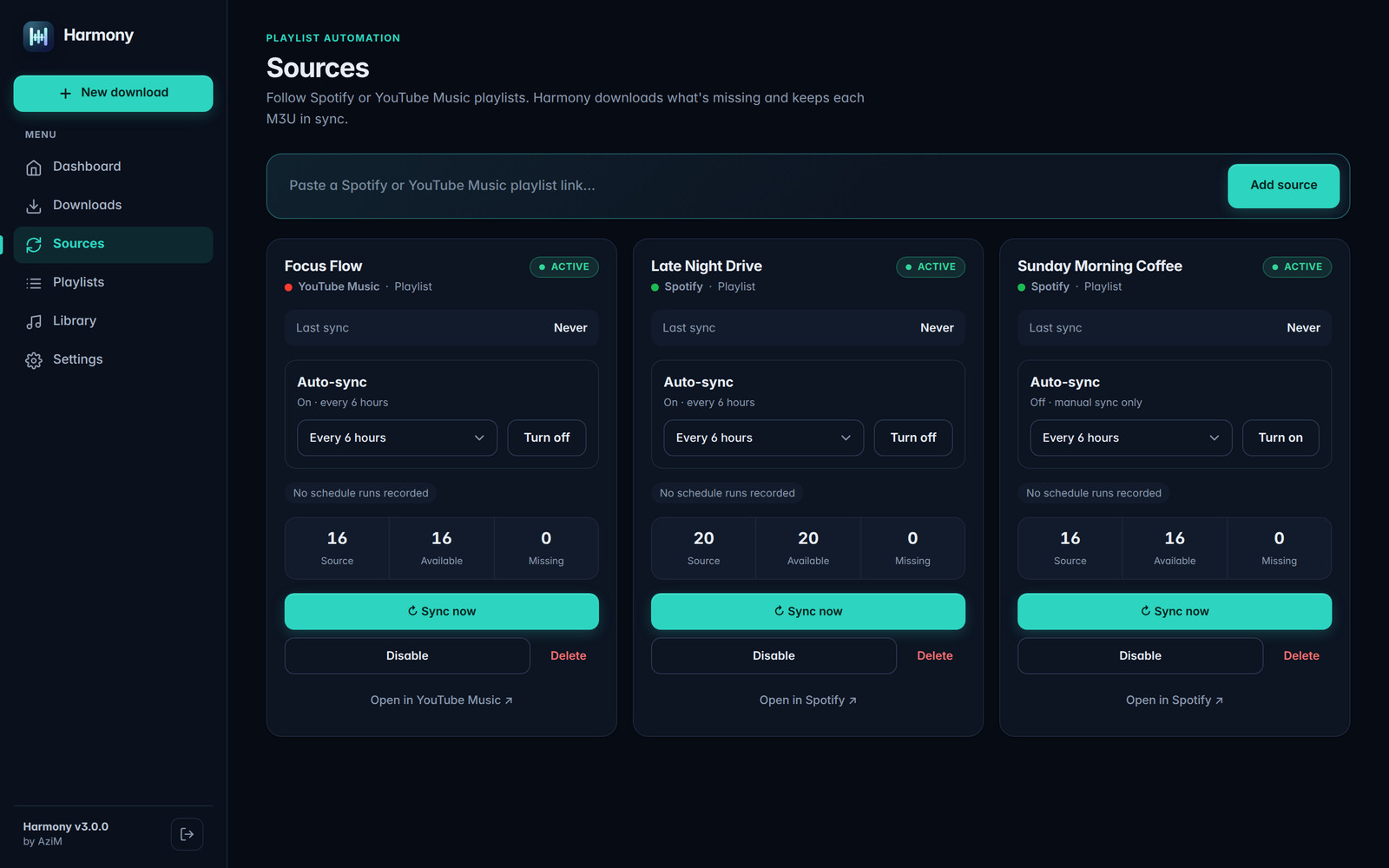
- Playlist sync. Saves Spotify and YouTube Music playlists as sources, keeps their order, and re-syncs them on a schedule, from hourly to weekly. Only songs that aren’t already in the library are queued.
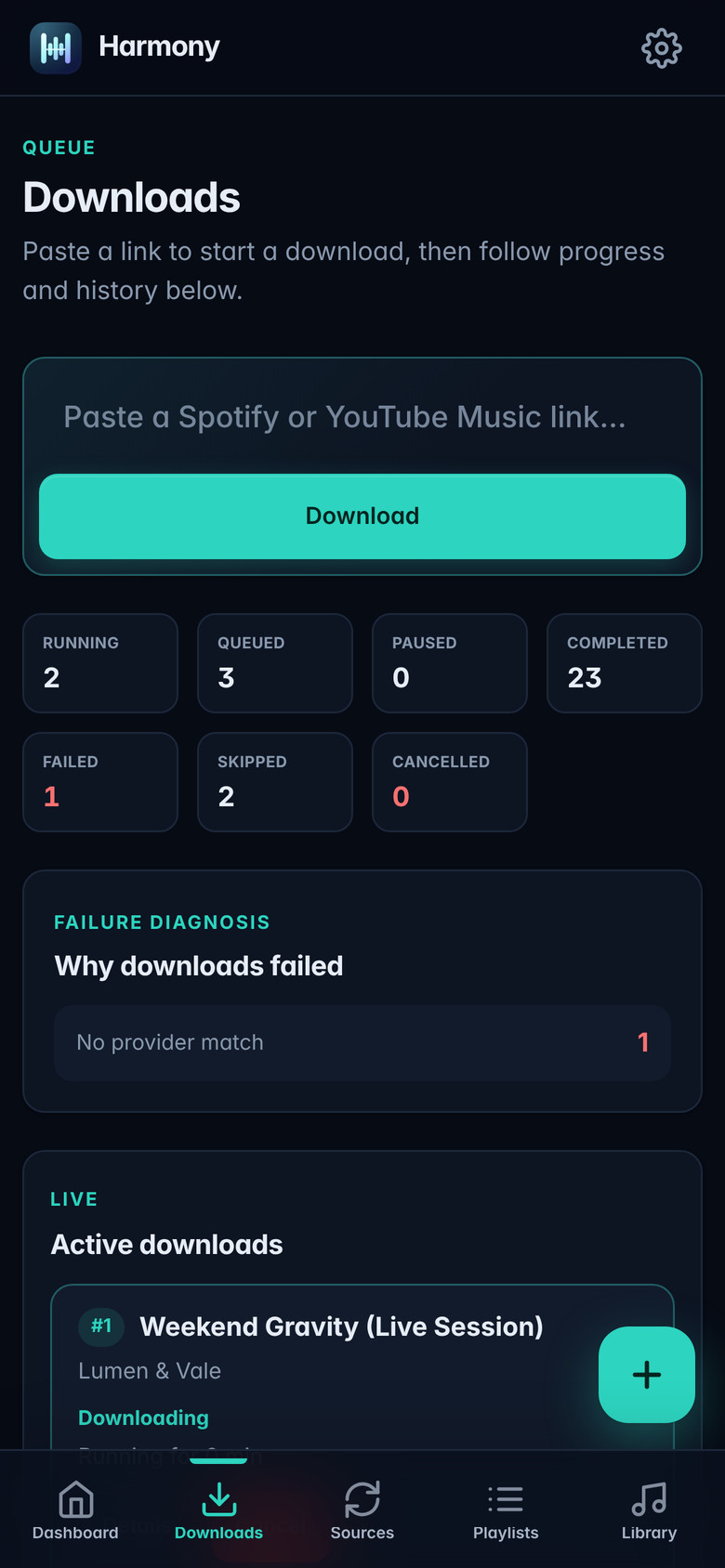
- Careful downloads. Each track is matched against its Spotify metadata, and the downloaded file’s artist, title, version and duration are checked before import. Karaoke, live, sped-up or cover versions are rejected unless that’s what the playlist asked for.
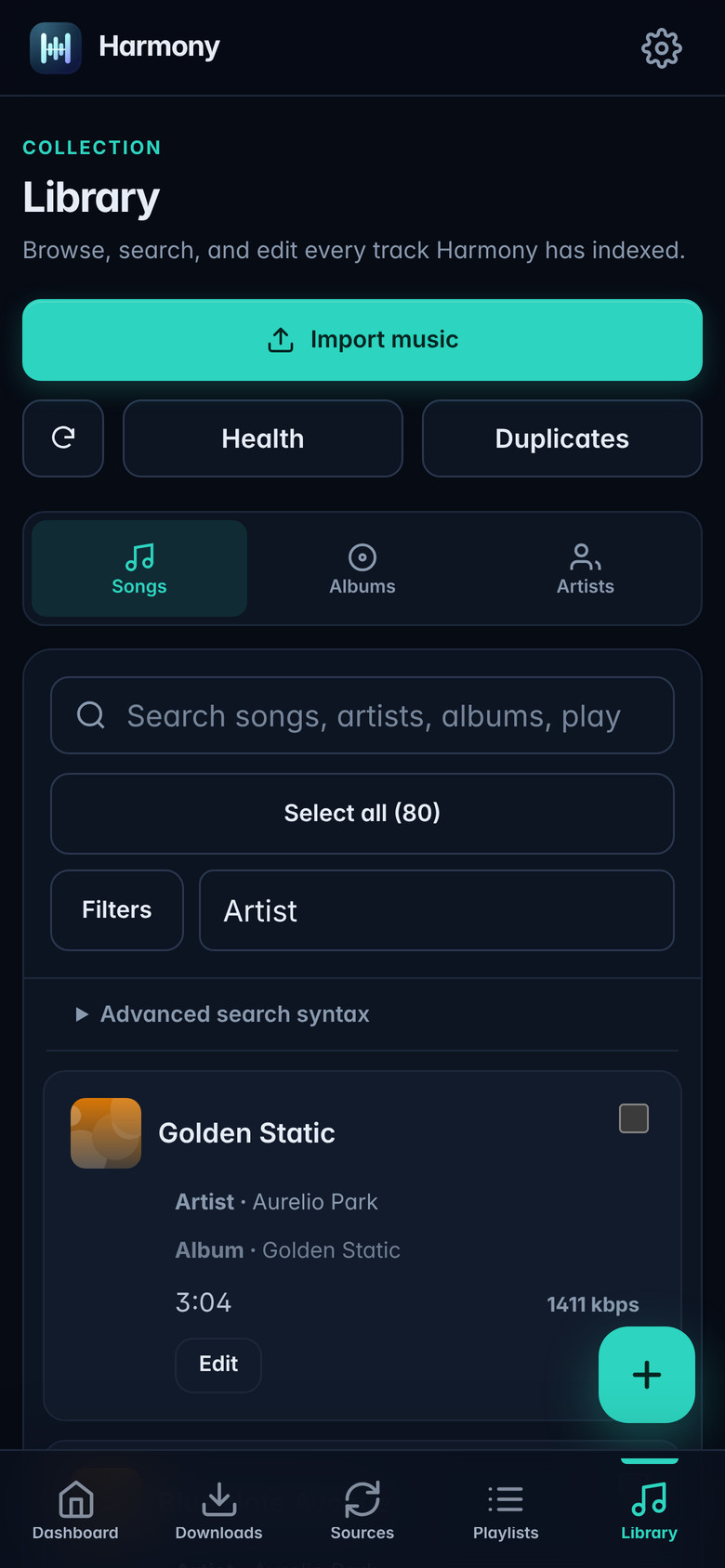
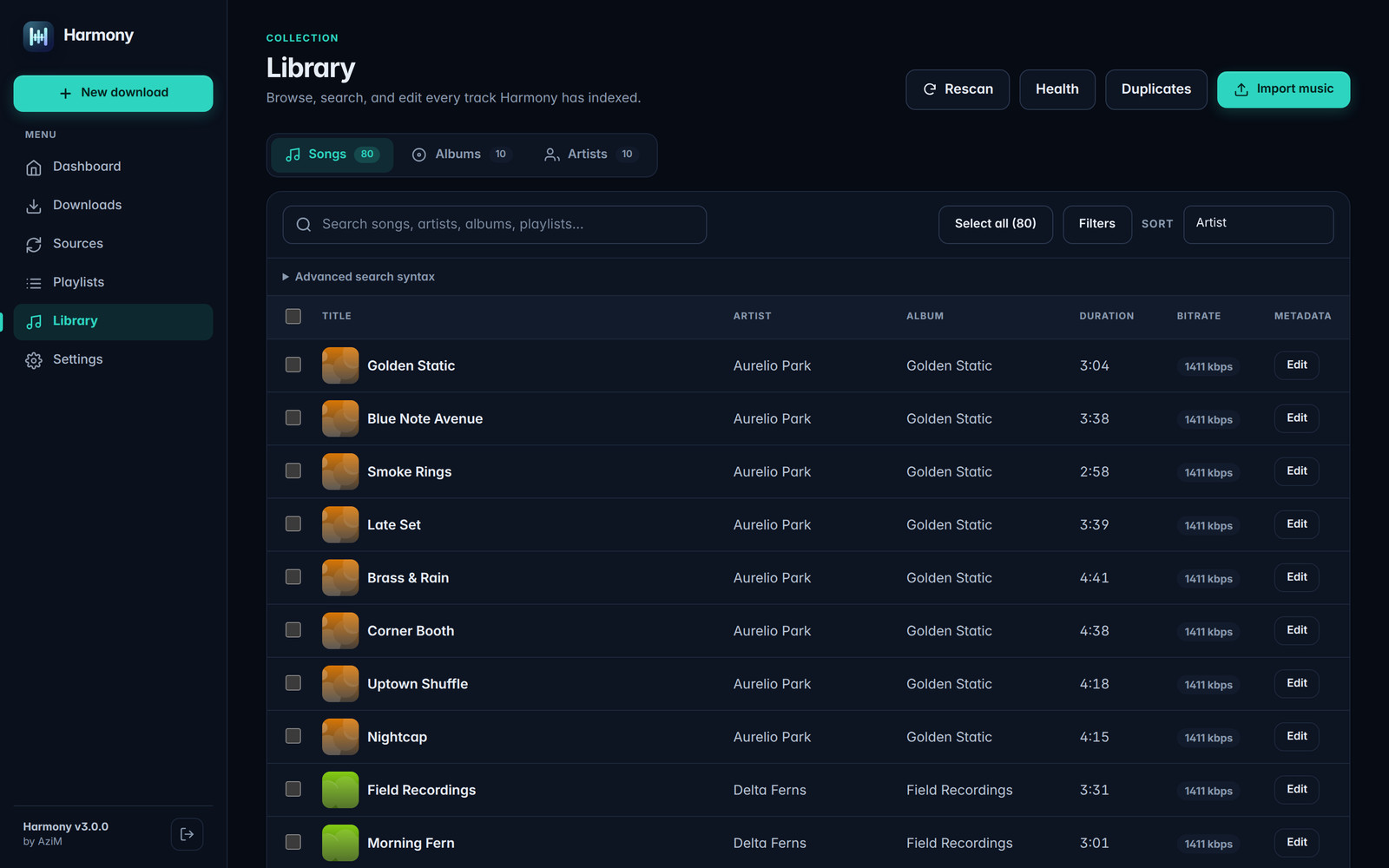
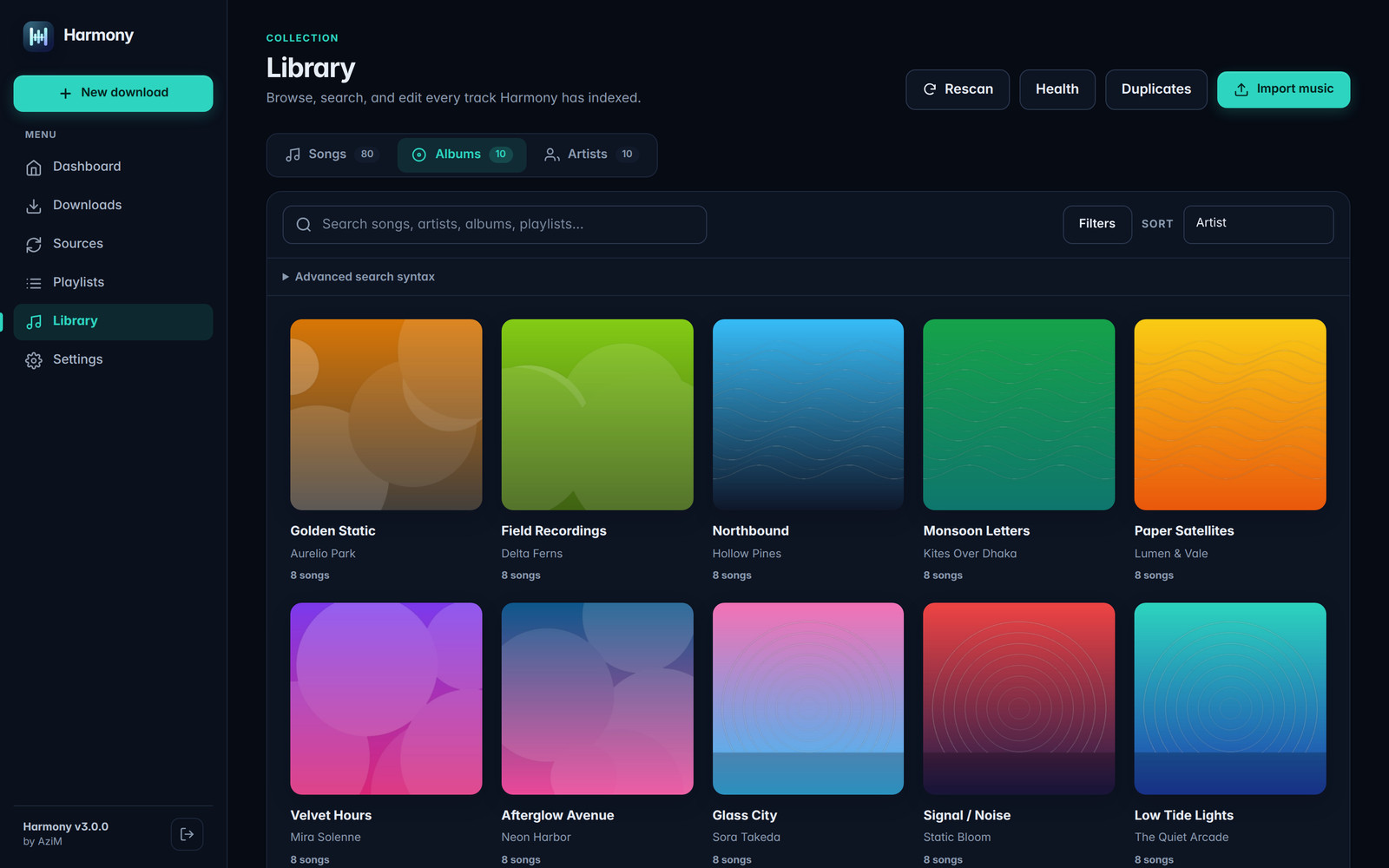
- A real library. A persistent index of every song, with full-text search, filters, sorting, metadata and artwork editing, albums and artists views, and import of music you already own.
- Library health. Checks for missing artwork and metadata, verifies indexed files, and finds duplicates, which are only removed after a fresh preview and confirmation.
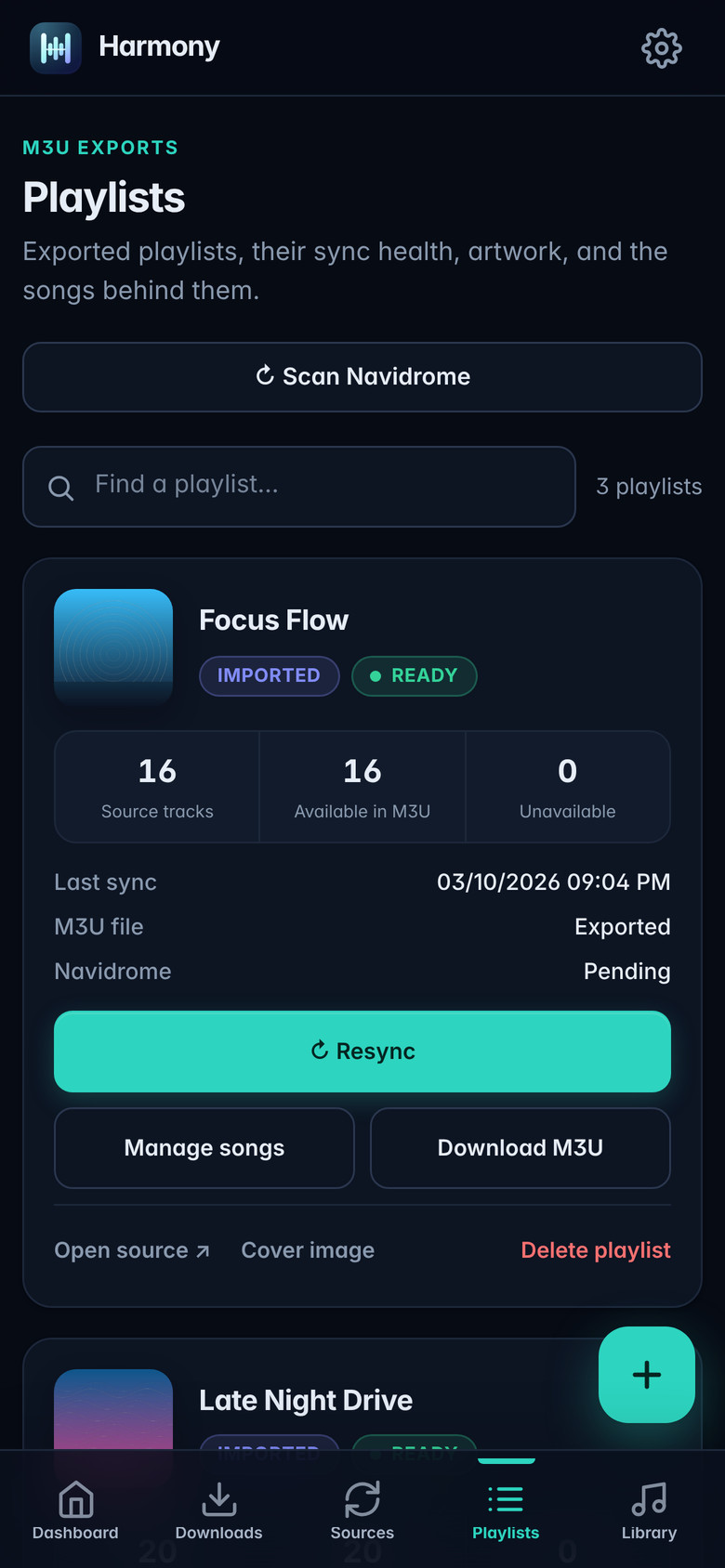
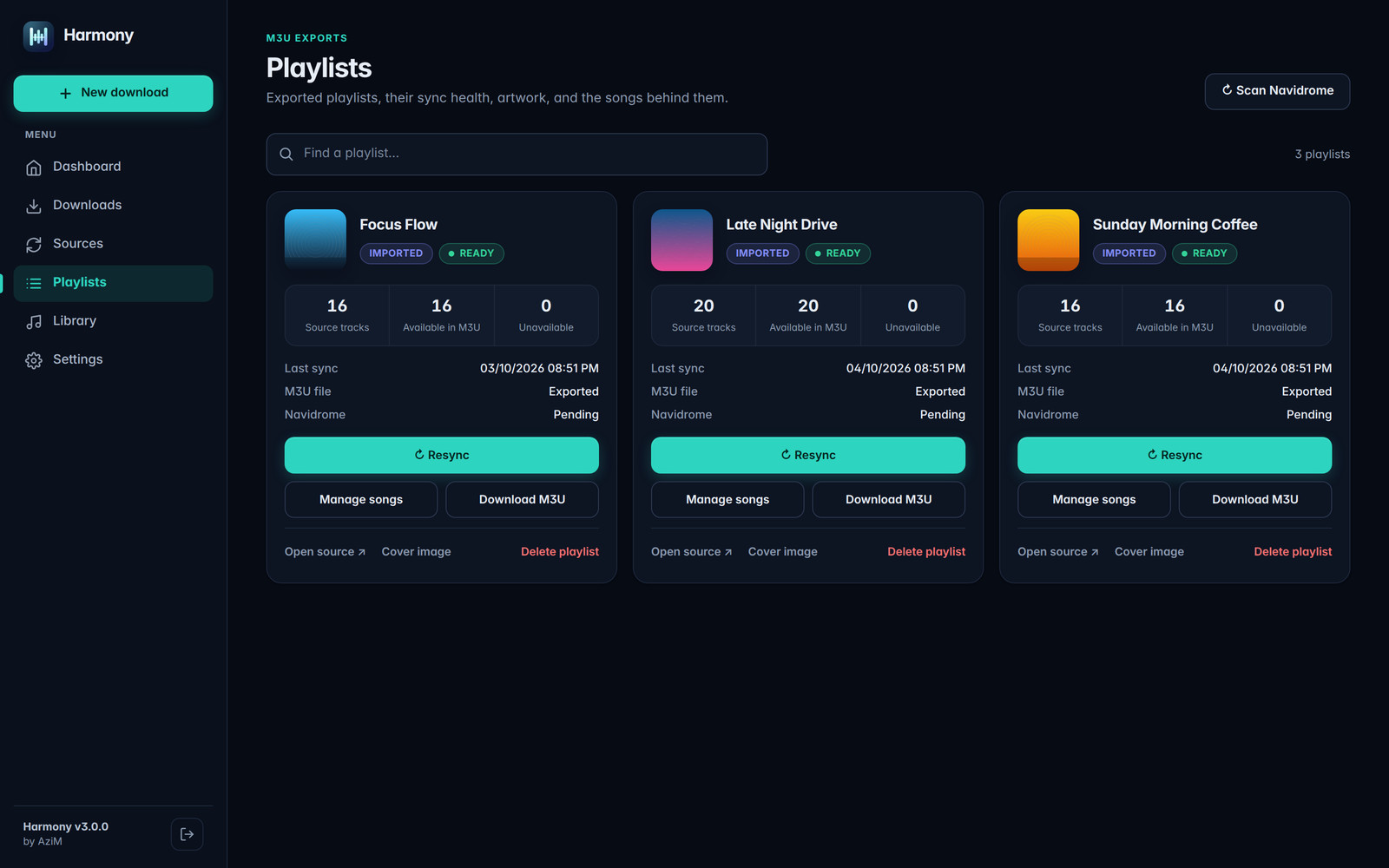
- Playlists everywhere. Exports standard M3U files for Navidrome, Jellyfin, Plex, Kodi or VLC, and can sync playlists straight into Navidrome in order.
How it’s built
The backend is Python 3.12 with FastAPI, SQLAlchemy and Alembic, using SpotDL and yt-dlp to fetch audio, Mutagen for tags and Watchdog to follow changes on disk. The library index lives in SQLite (WAL mode) with FTS5 for search, so browsing never walks the filesystem. The frontend is plain HTML, CSS and JavaScript, with Server-Sent Events for live download progress.
Downloads go through a pipeline: fetch metadata, update the playlist database, queue missing songs, download each one to an isolated temporary folder, validate its identity, then import it into the library and rebuild the playlists.
Screenshots
Desktop
Mobile