Open source
Photo Migrator
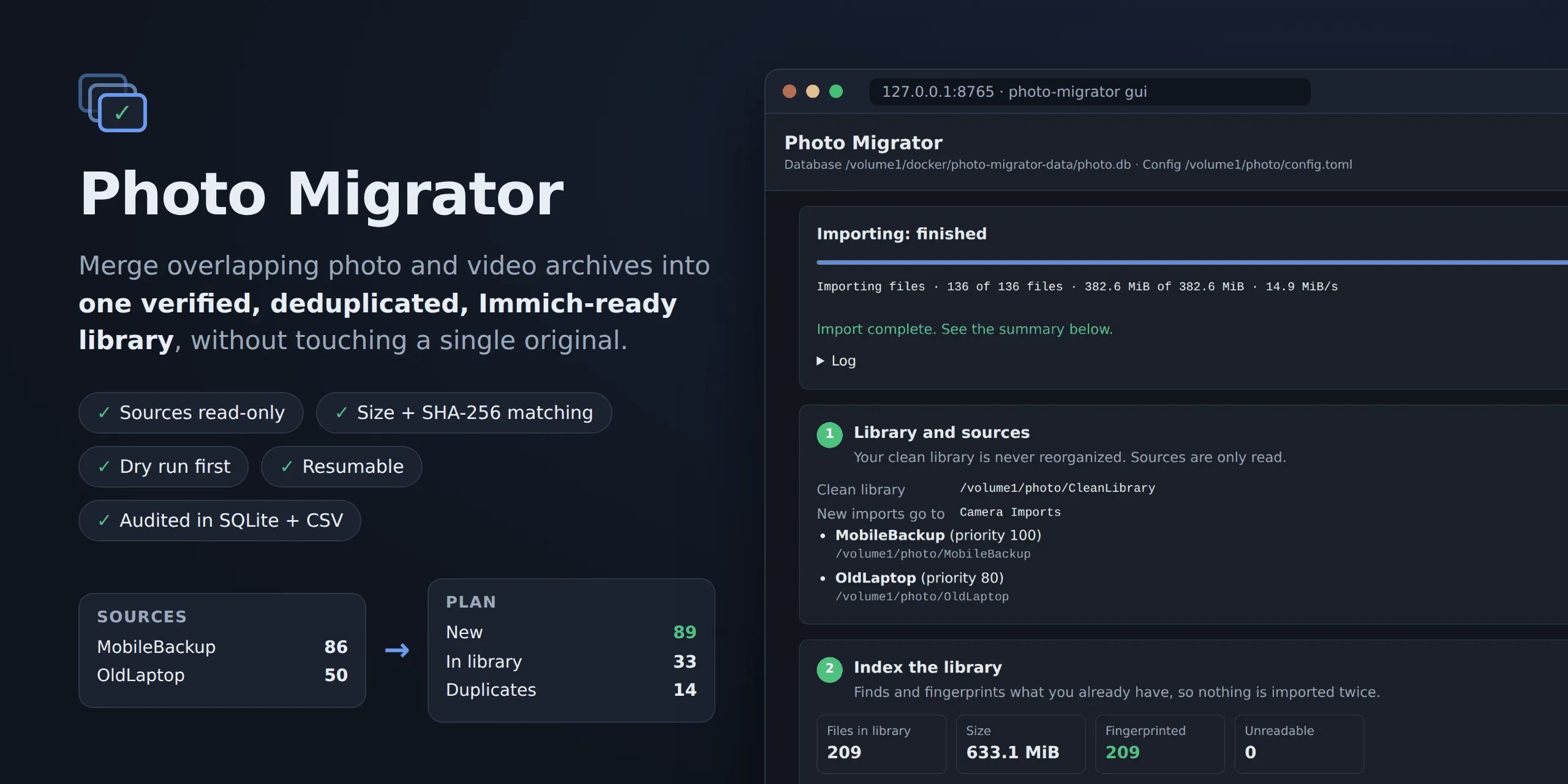
Merge overlapping photo and video backups into one verified, deduplicated library, without touching the originals.
- Runs on
- Synology NAS · macOS
- Built with
- Python · SQLite
- Interface
- CLI · local web UI
- Made for
- Immich
What it is
Years of phones, laptops and backup drives leave the same photos scattered across several overlapping folders. Photo Migrator consolidates them into one clean library, ready for Immich, and treats every original as precious along the way.
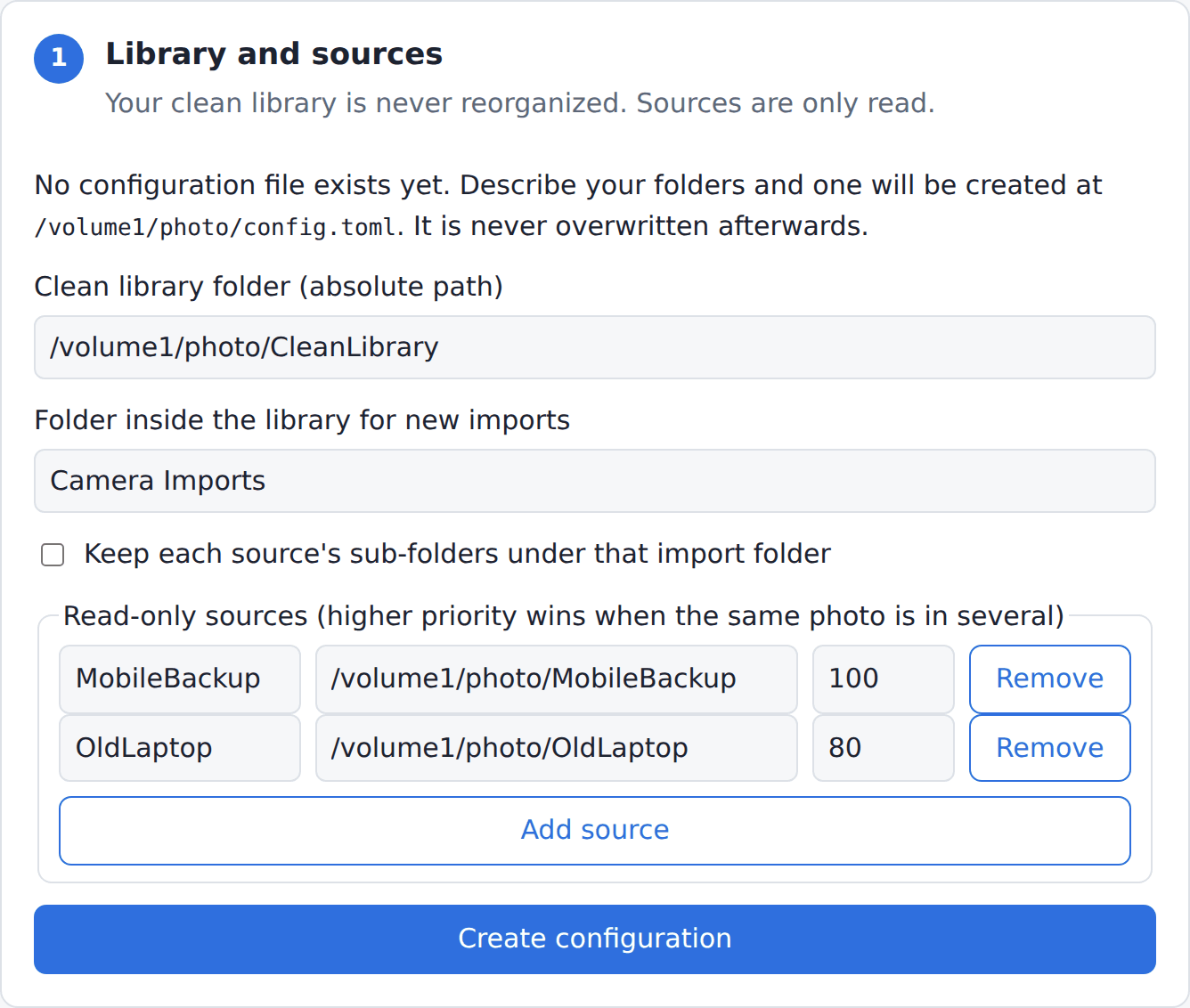
It indexes the library you already have, scans your old sources, and imports only what’s missing. The same photo found in three backups is imported once, from the source you rank highest.
What it does
- Exact duplicates only. Files are compared by size, then by SHA-256. Nothing is merged on a guess, and the image and video halves of a Live Photo stay as separate files.
- Originals stay untouched. Sources are only ever read. Imports copy through a temporary file and are verified before and after they’re placed.
- Your library stays as it is. The existing library is indexed in place and never reorganised; only new content is copied in.
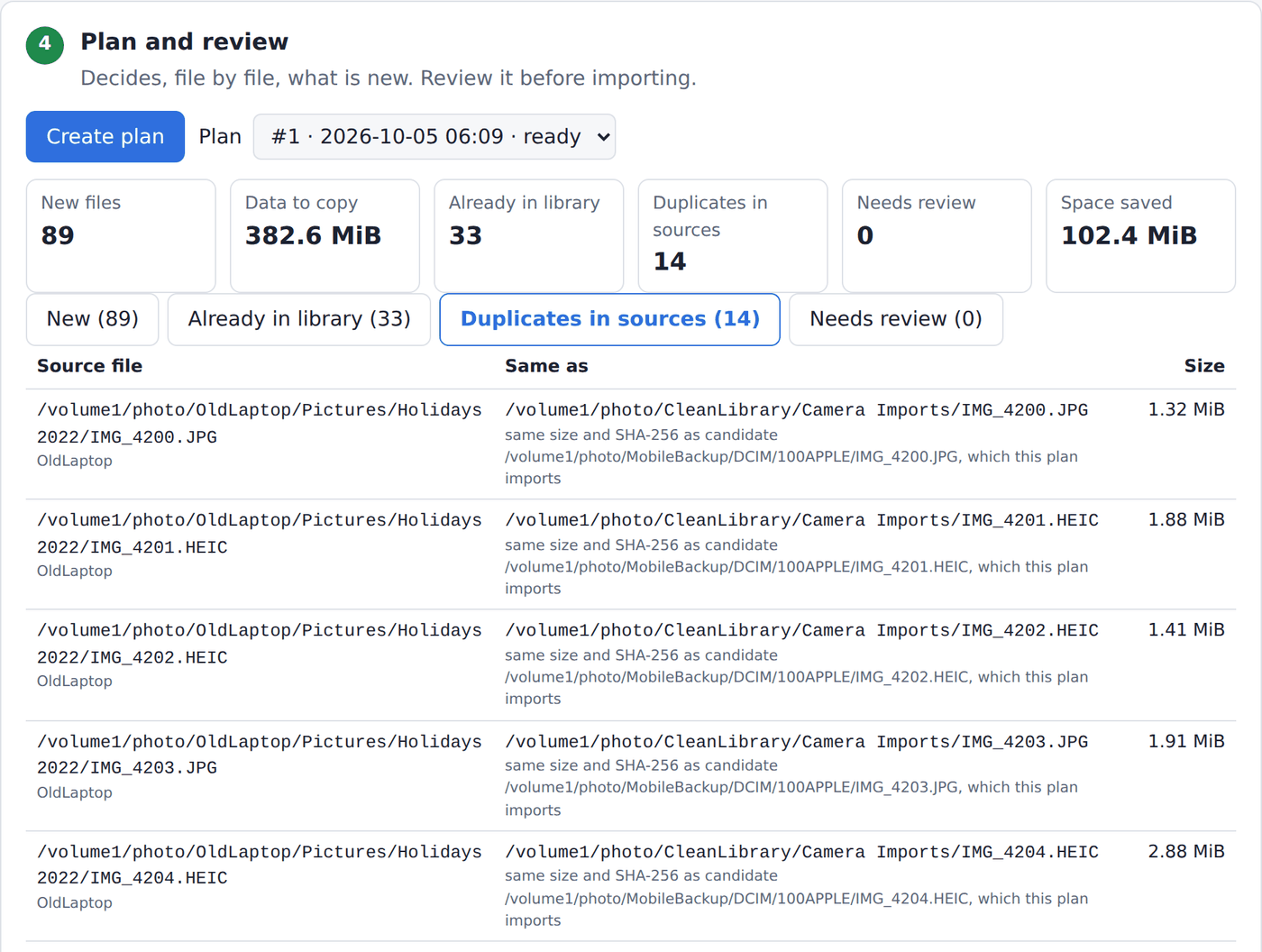
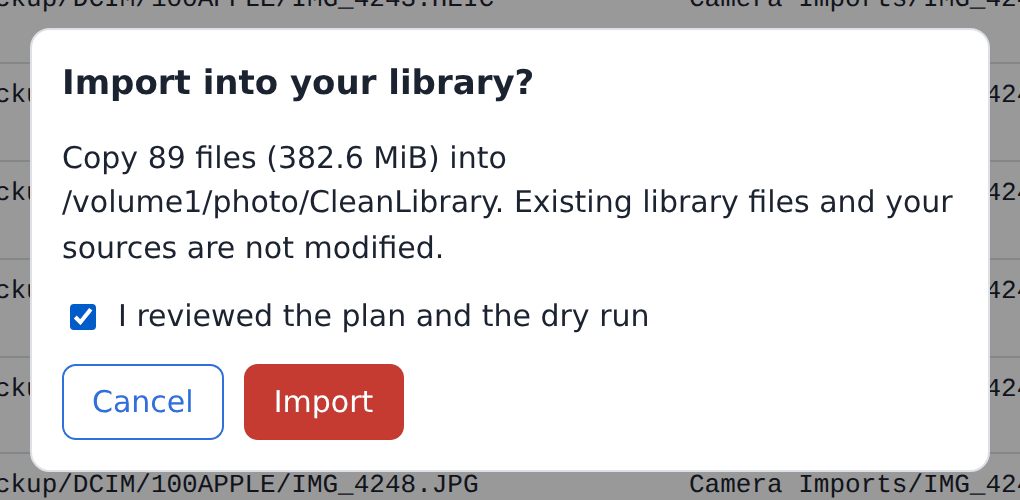
- Plan, dry run, then import. You review a plan of new files, files already in the library and duplicates, run a dry run, and only then import.
- Everything is on record. Plans, runs and errors are kept in SQLite and CSV reports, and an interrupted run resumes where it stopped.
How it’s built
Photo Migrator is a Python package (3.9 to 3.13) with a single SQLite inventory behind it, tested in CI on Linux and
macOS. It runs from the command line, one step at a time, or through photo-migrator gui, a small web interface built
on the Python standard library that calls the same code.
The web interface is deliberately cautious: it listens only on the local machine, needs a private token for every request, runs one step at a time with a safe stop, and keeps rollback on the command line. On a headless NAS you reach it through an SSH tunnel.
Screenshots